Step 01
Imagine a pedal
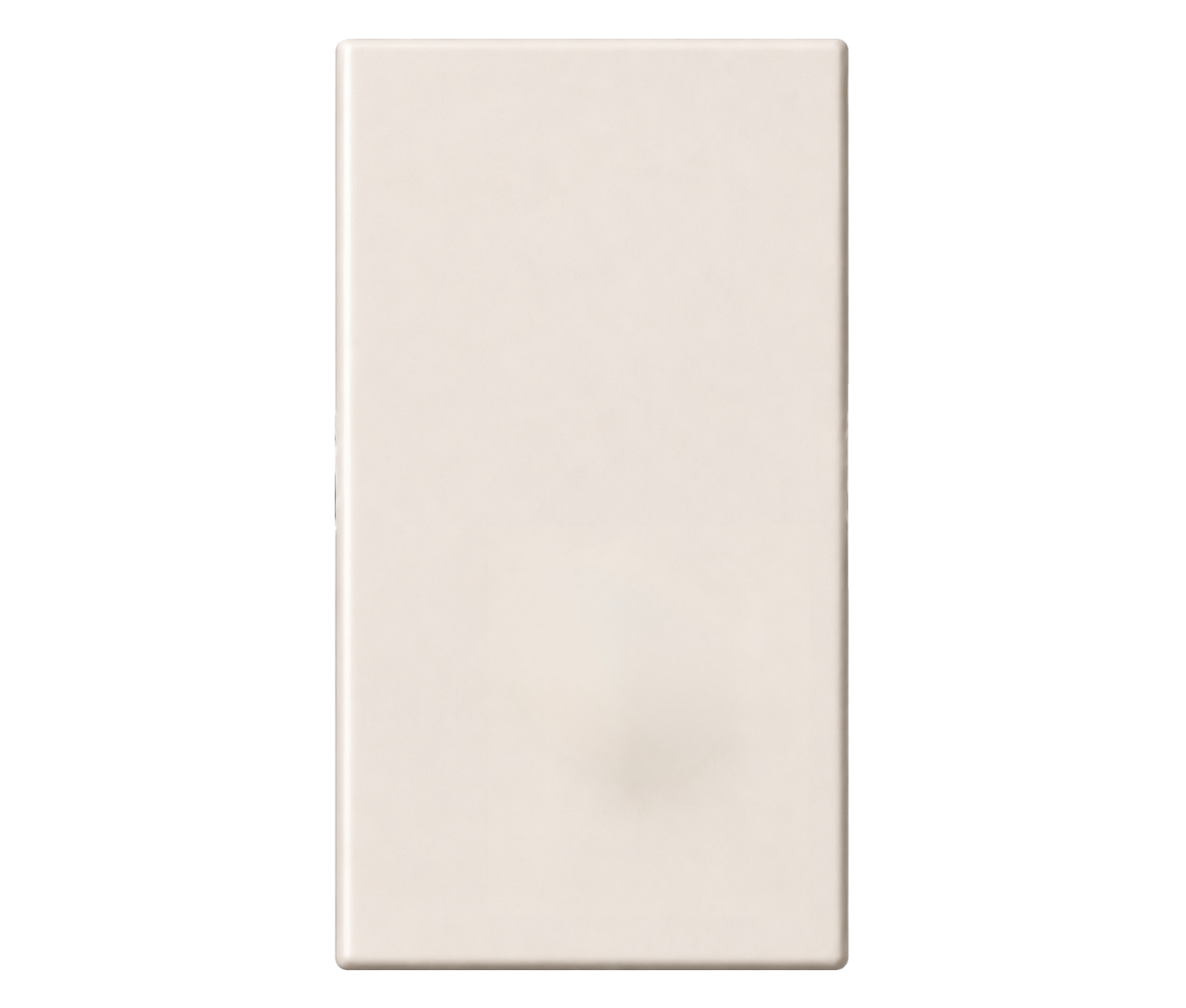
which has the color of your dreams.
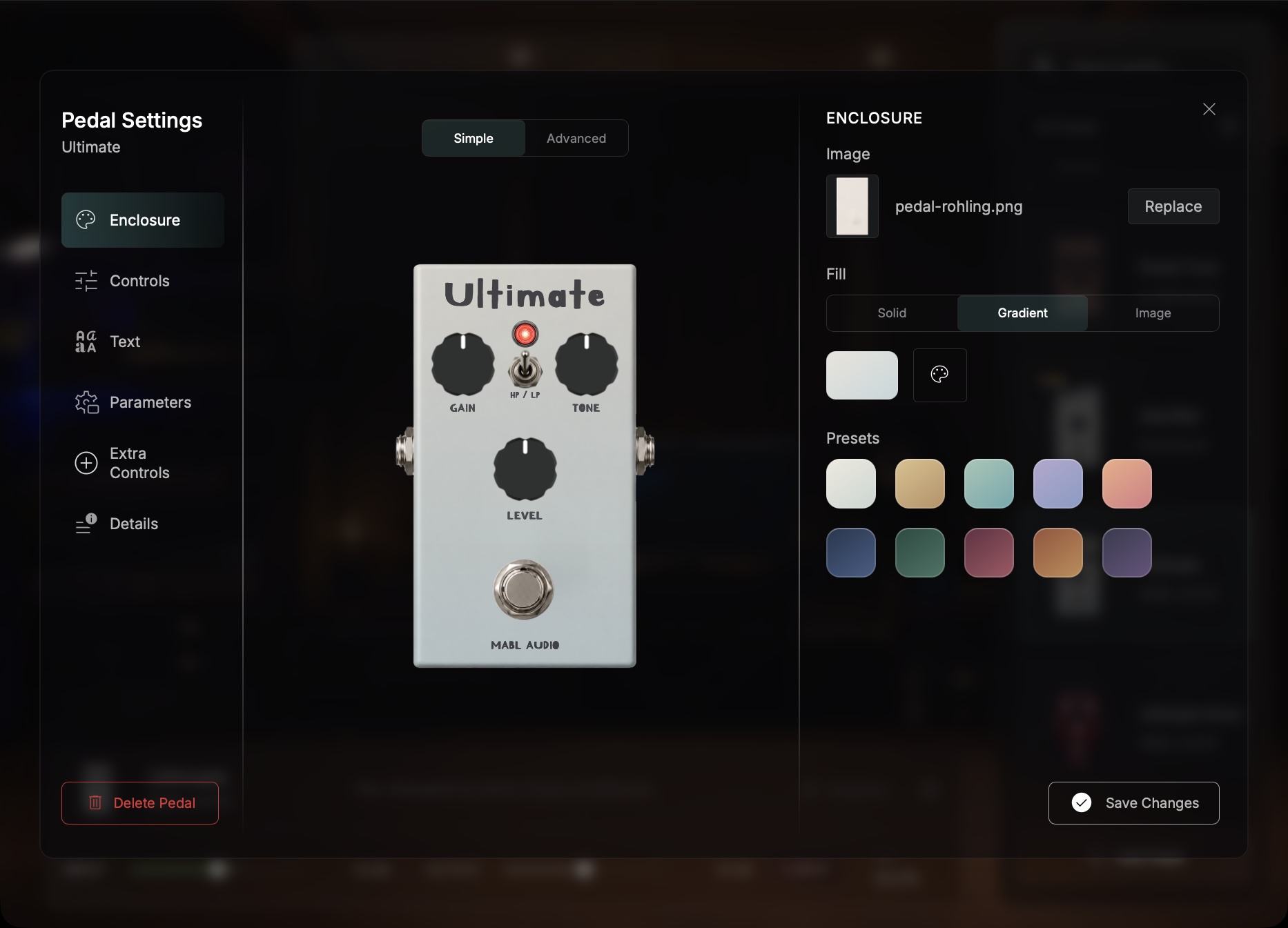
Customizable colors and gradients.
Start with a factory colorway, combine two tones or bring your own enclosure artwork into the editor.
PedalBuilder: Turn captures into pedals
Build a custom pedal from your favorite NAM captures. Choose the captures, shape the controls and make every visible detail yours.
POWERED BY
 Gain
Tone
Level
Gain
Tone
Level
UltimateDrive_Gain2_Tone2_HP_SEQ.nam Gain 2/3 · Tone 2/3 · HP
Step 01
Imagine a pedal
Customizable colors and gradients.
Start with a factory colorway, combine two tones or bring your own enclosure artwork into the editor.
Step 02
Imagine a pedal
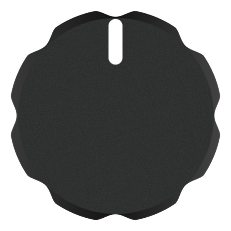
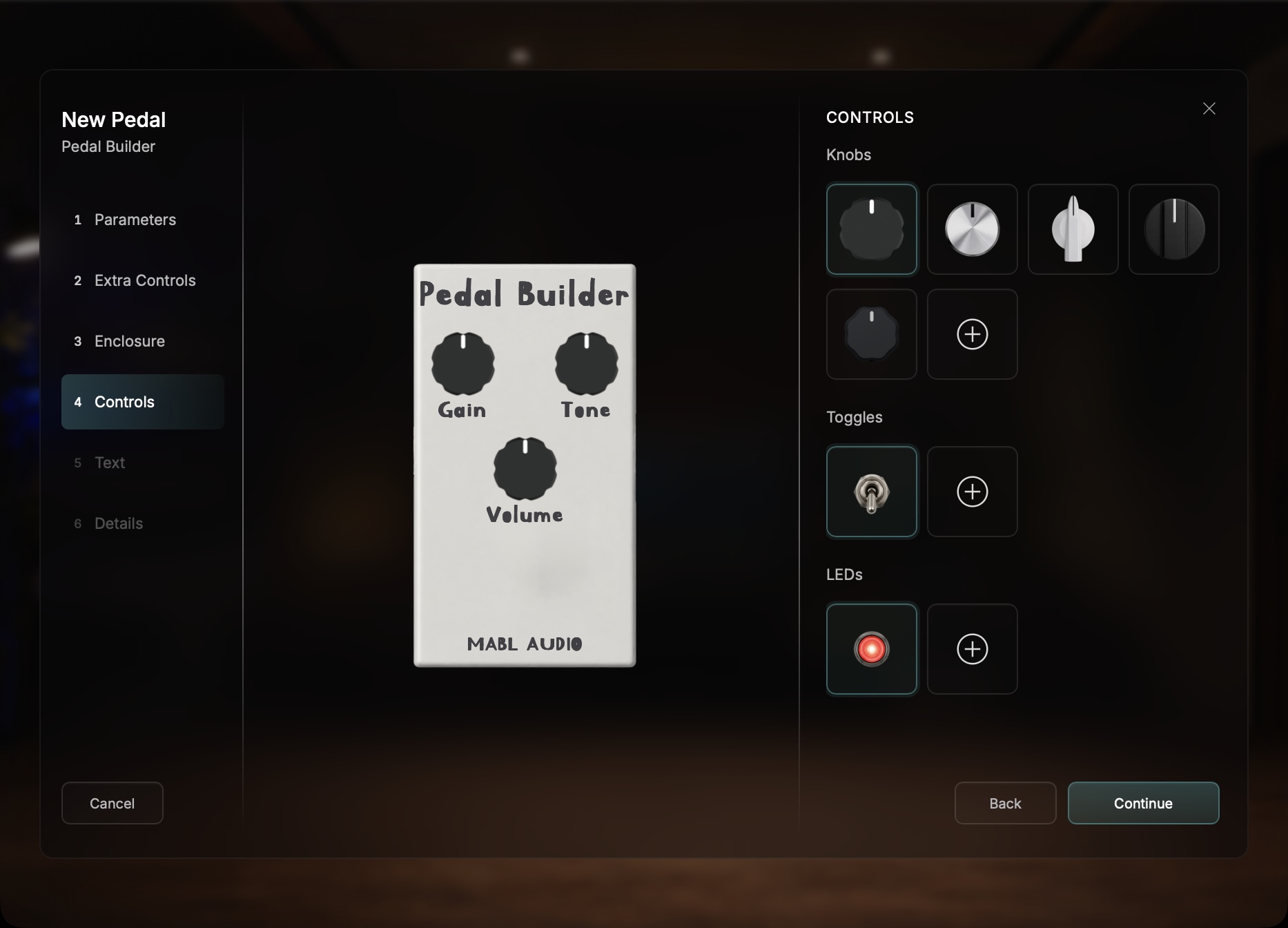
Choose your favorite knob style.
Choose the hardware and PedalBuilder lays everything out automatically.
Step 03
Imagine a pedal
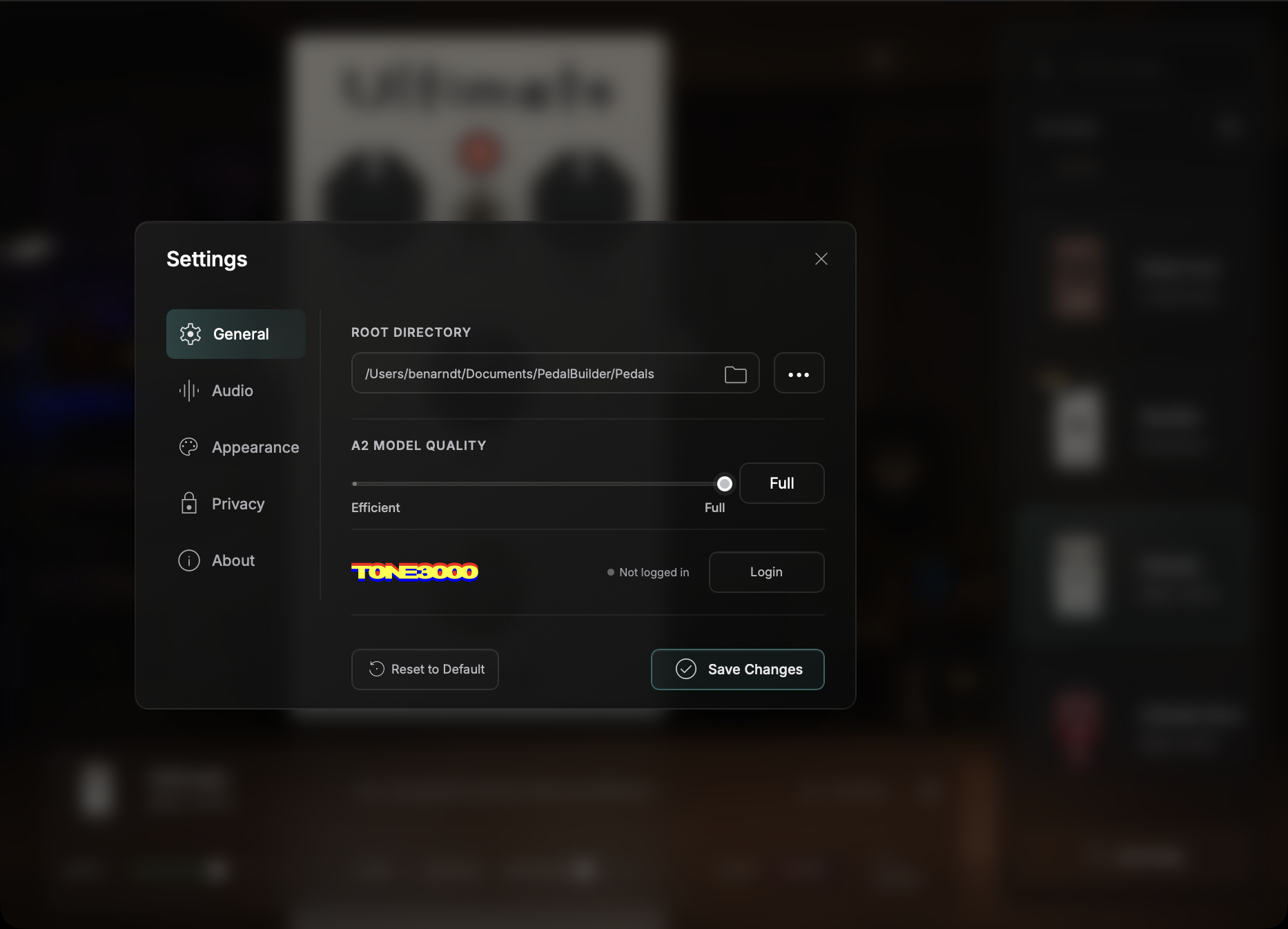
Find, download and load community captures without leaving PedalBuilder.
Step 04
Imagine a pedal
Automatic structure detection.
PedalBuilder reads the filenames, detects their changing values and maps every knob dynamically to the correct model file.
Step 05
Imagine a pedal
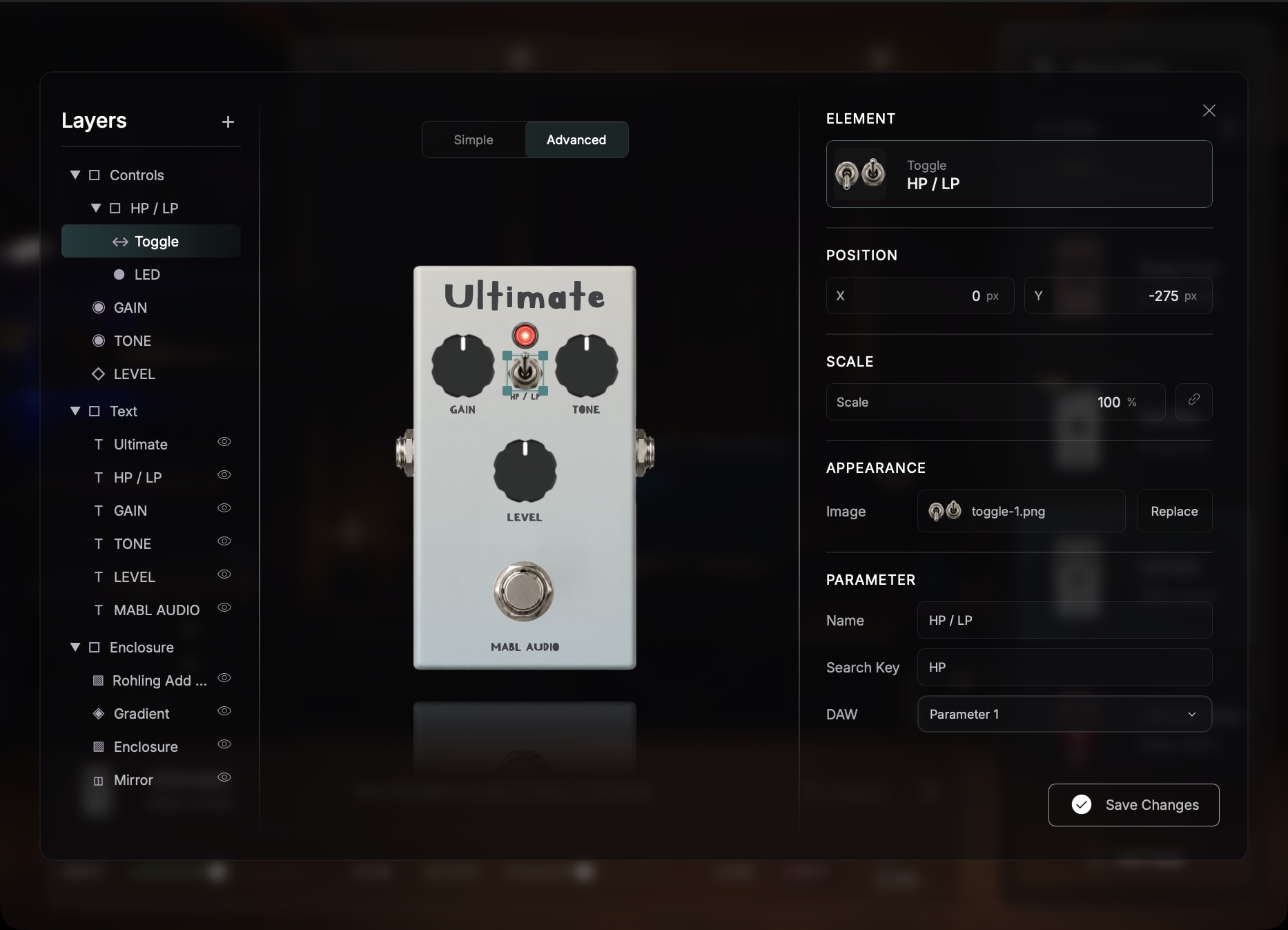
Make it unmistakably yours.
Give it a short name and watch it appear on the enclosure.
Your pedal
Imagine a pedal
Your color, your controls, real NAM captures and a name of its own — ready as VST3, Audio Unit or standalone.
Unzip it and import it directly in PedalBuilder.
1 / 5
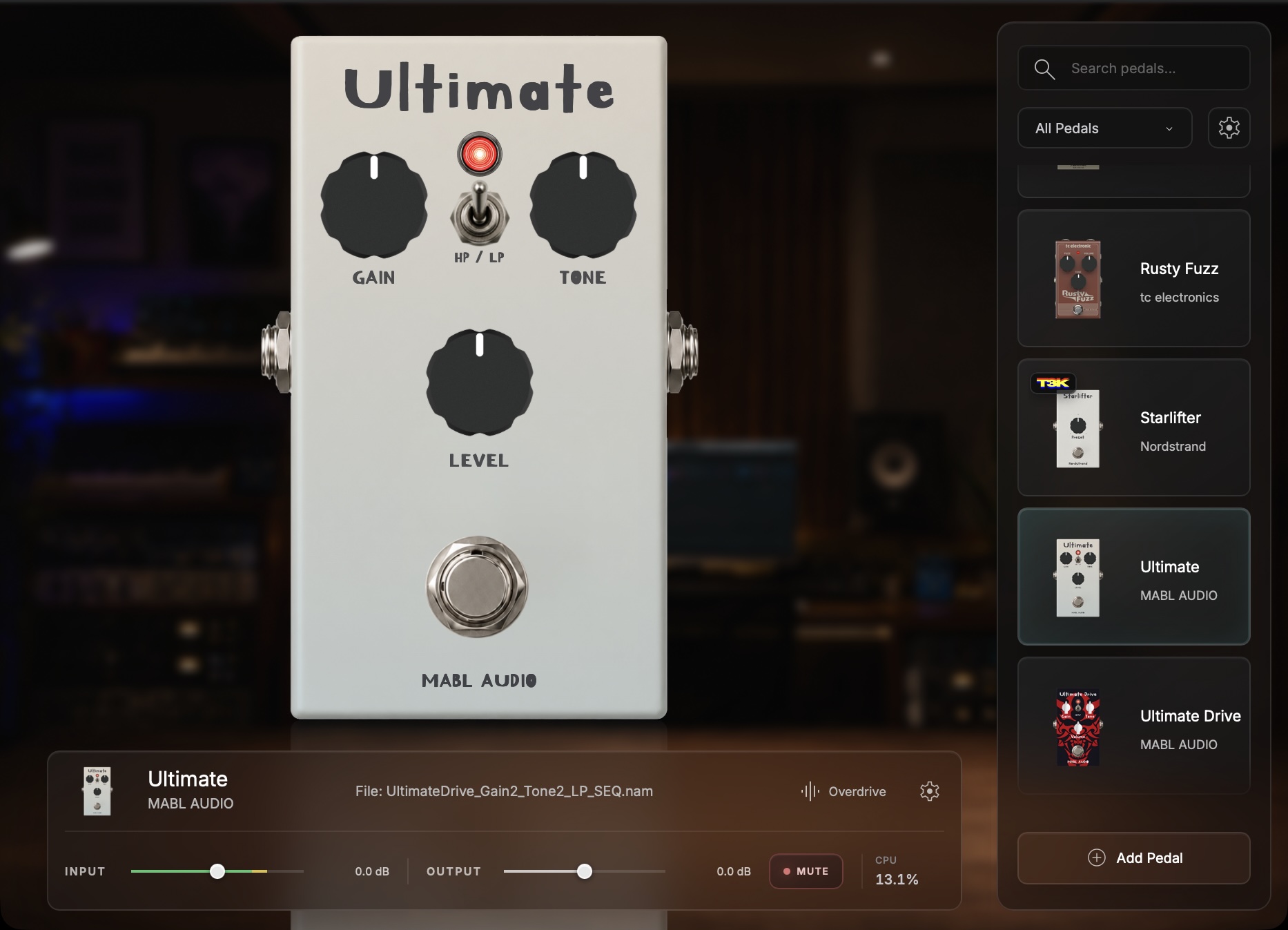
PedalBuilder turns your Neural Amp Modeler captures into real pedals — with your own controls, your own design and the right capture behind every knob position. Free to download.
Load a folder or browse TONE3000 directly, let PedalBuilder map the knobs from the filenames, then shape the look until it feels like yours.
Features
Get PedalBuilder
Available for macOS and Windows
Free to use and built on the open-source Neural Amp Modeler core.
macOS
Open the DMG and drag each file to its matching folder. This independent release is not notarised;
if macOS blocks it, review it under System Settings → Privacy & Security.
Apple’s security guidance
Windows
Run Setup and choose the VST3 folder used by your DAW.
As an unsigned independent release, Windows may show a SmartScreen notice.